Download centre
Get UPOS for Android
For Android POS terminals such as the iMin D3, Android tablets and Android phones.
Installation
Install in four steps
Download the APK
Tap Download APK on the device you want to use. The file saves to Downloads.
Allow the install
Open the file. If Android asks, allow "Install unknown apps" for your browser or Files app, then go back.
Install or update
Tap Install. If UPOS is already on the device, tap Update: your data and settings stay.
Sign in
Open UPOS and sign in with the vendor account we set up for you, then pick your outlet.
The app
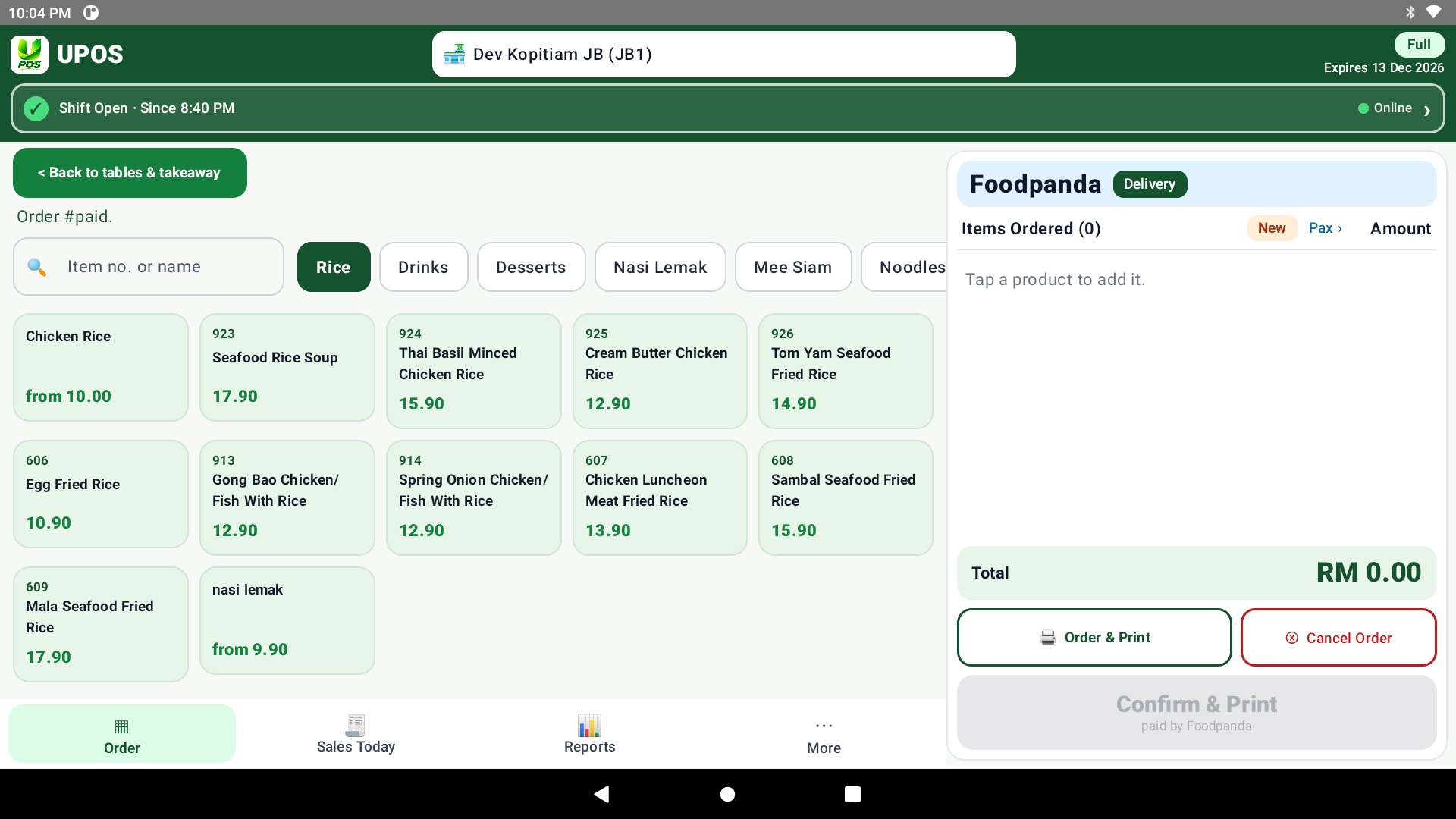
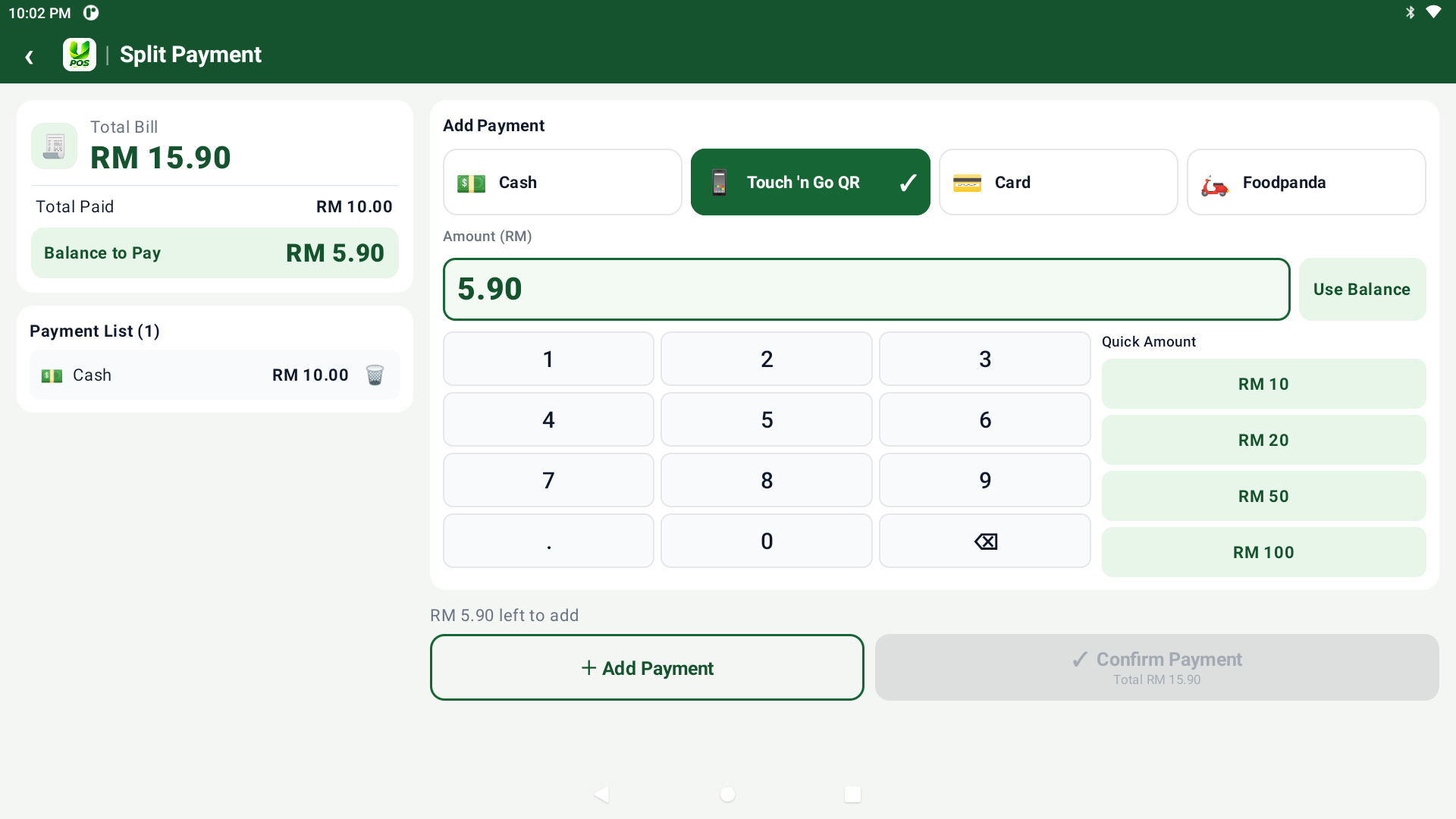
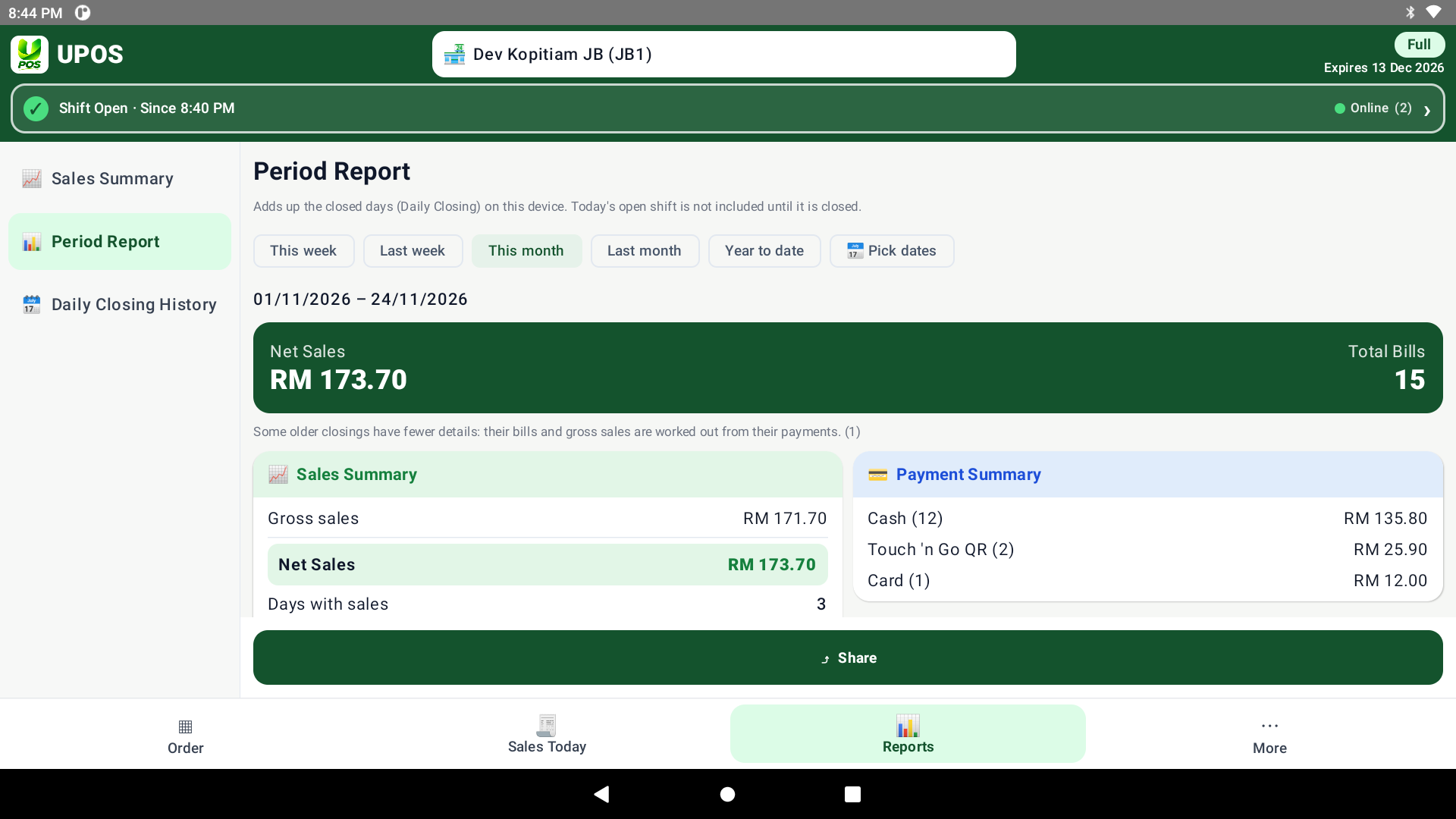
What you are installing